Photo Carousel
An image story focused on movement and pacing. Use arrow keys or click any card to move through the set.





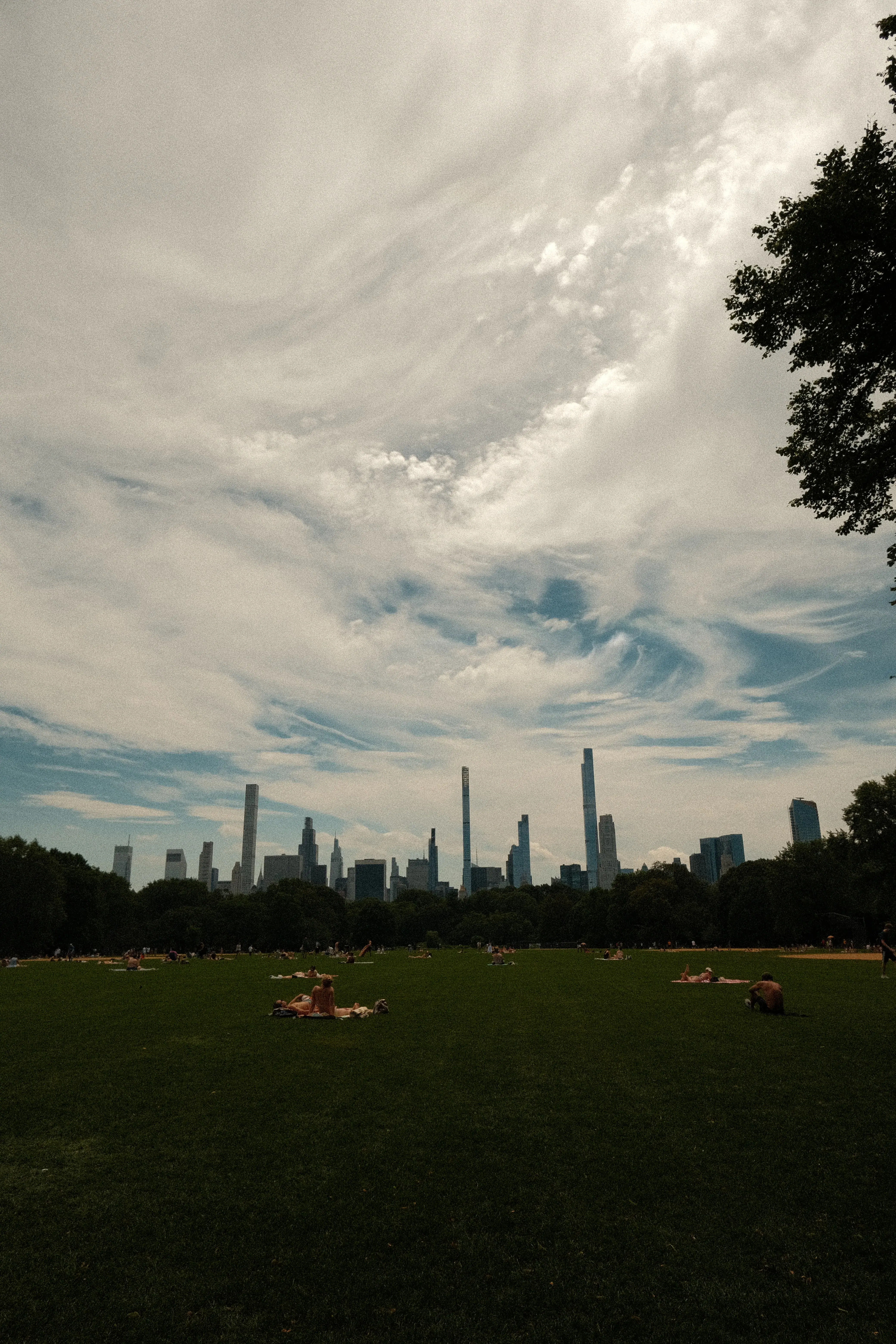


Austin, you will always be my home
Making of
The first thing I saw when I signed up on X was a beautiful carousel made by @bossadizenith. As a photographer who loves going back to favorite shots, I had to recreate it.
Each photo has a different aspect ratio. The active card expands to its true proportions while previews stay a fixed size, so every card's position has to be recalculated from real widths rather than fixed slots.
// active card uses its native aspect ratio; previews are always 160×120
const getDimensions = (index) =>
  index !== activeIndex ? previewBase : getBaseDimensions(index)

// positions are computed from actual widths, not fixed slots
let x = getDimensions(activeIndex).width / 2 + gap
for (let d = 1; d < abs; d++) {
  const neighbor = activeIndex + d * sign
  x += getDimensions(neighbor).width + gap
}
The first version used spring physics, which felt too bouncy. Switching to a single cubic bezier applied to every property at once gave the motion a unified, deliberate feel.
const SMOOTH_EASE = [0.22, 1, 0.36, 1]

transition={{ type: 'tween', ease: SMOOTH_EASE, duration: 0.34 }}
Animating CSS filter causes unpredictable compositing across browsers. Instead, two image layers are stacked: a static grayscale base and a color layer that fades in with opacity only.
// static grayscale base
<Image style={{ filter: 'grayscale(100%)' }} />

// color layer fades in on active/hover - opacity only, no filter animation
<Image style={{ opacity: isActive || isHovered ? 1 : 0, transition: 'opacity 220ms ease-out' }} />